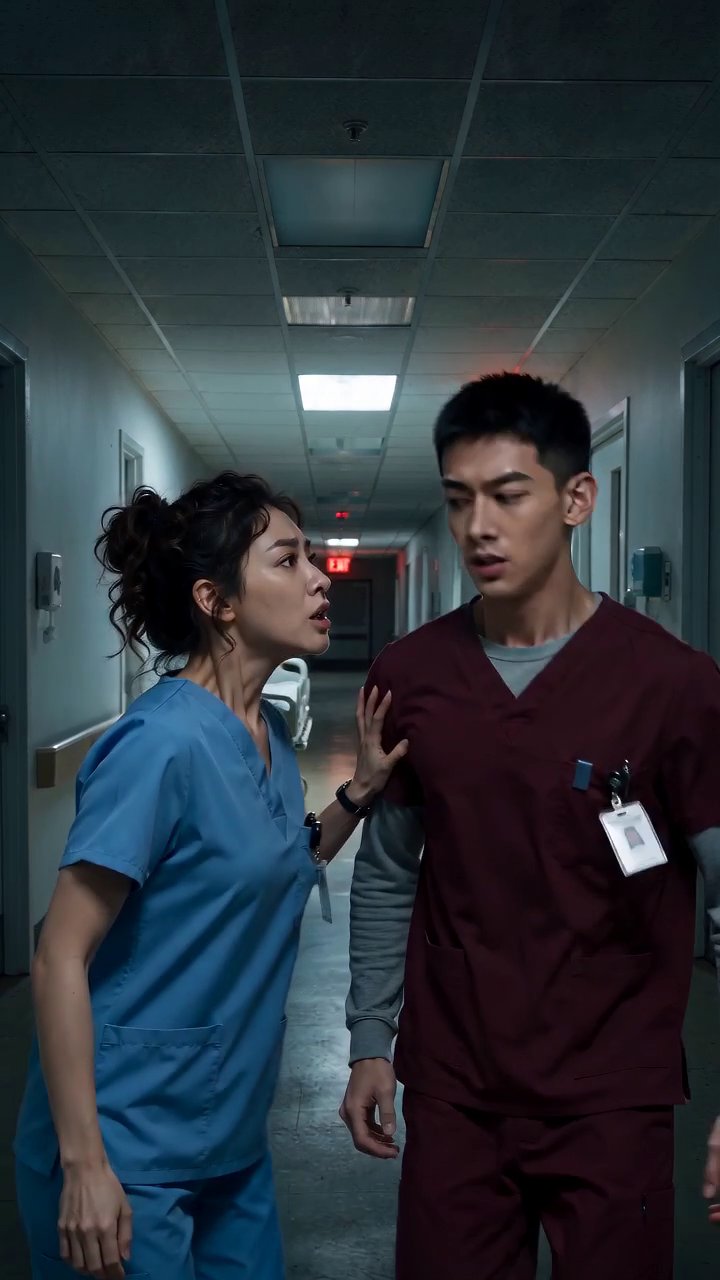
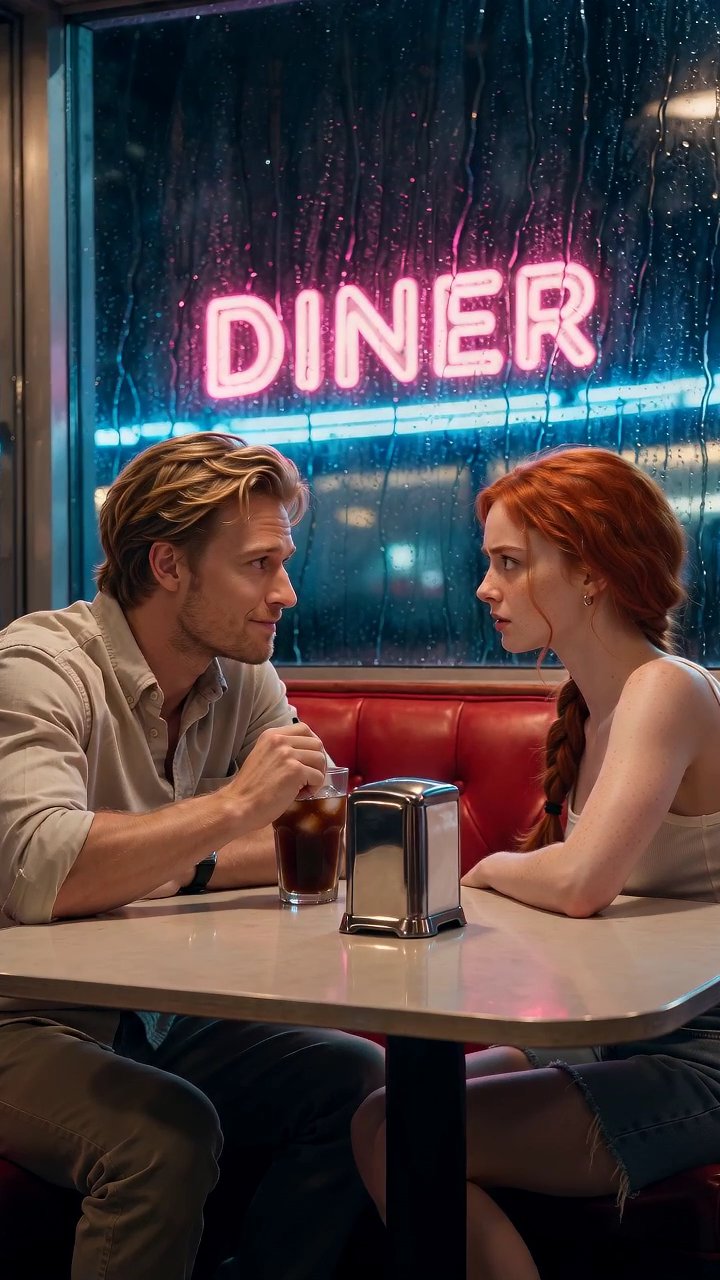
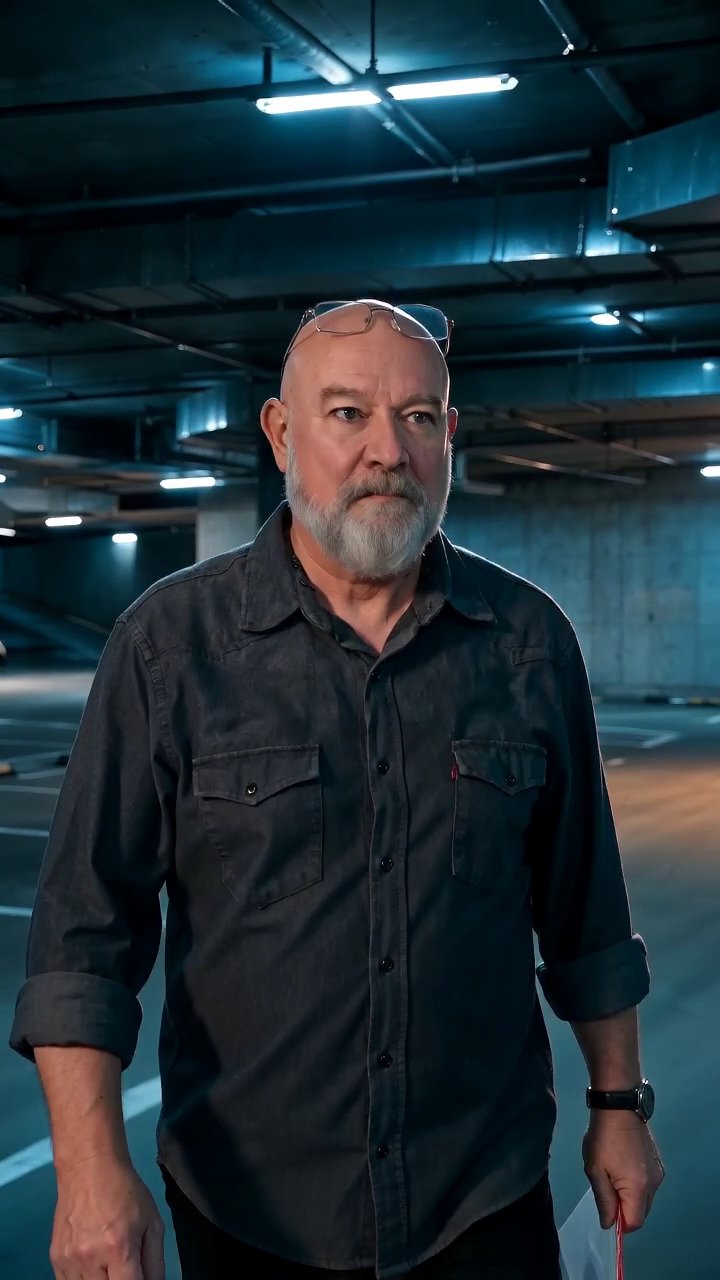
An episode is an outline that has been shot
Before anything renders, an episode generator needs to know what the episode is about. In AI Drama Creator that starts with the card: an episode number, a title, a synopsis of a few sentences, and the cliffhanger you are driving toward. From the synopsis you break the episode into scenes, which is exactly what a writers' room does on a whiteboard, except here each scene becomes a slot that will hold a vertical video.
Scenes carry the practical details a crew would get on a call sheet. Which characters are in the shot. Which outfit each is wearing. Which background, and whether a prop matters. A short beat description tells the generator what happens in those seconds. Because these fields are structured rather than one long prompt, you can change the location of scene four without rewriting the dialogue for scene five.
Scenes first, then the cut
Each scene is generated on its own, in 9:16, at a duration you choose between four and fifteen seconds. This granularity matters more than it sounds. If the reveal in scene six comes out flat, you regenerate scene six and only scene six. The opening, the argument, and the walk down the corridor stay exactly as they were. Working at the scene level is what makes an episode affordable to fix.
The generator reads the quality tier and resolution you set per scene, so a quiet two-shot can sit at Standard while the act break gets the Cinematic tier. You pay for what each scene needs rather than rendering an entire episode at one setting. An episode is only as long as its scenes add up to, and that total is visible on the card before you stitch.
The same faces, scene after scene
A single episode is where continuity drift is most obvious, because the audience watches the scenes back to back. The cast library solves this at the series level: a character is a set of reference images, an outfit is another set, and a background is a third. When you assign them to a scene, generation is anchored to those images. The lead in scene one and the lead in scene eight are pulled from the same source.
Voice styles follow the same logic. A character has a described voice style attached, and each scene that includes that character uses it. This is a style description, not a captured recording of anyone, and it is designed so a viewer can tell the antagonist from the ally with the sound off the screen for a moment and back on.
Stitching: the server does the assembly
Once every scene on the card reads finished, the stitch button becomes available. Stitching concatenates the scenes in their card order into one vertical MP4 on the server, so you are not downloading ten files and lining them up in a timeline. The result is one episode, one file, in the order you outlined. If you reorder scenes on the card and stitch again, the new cut reflects the new order.
The stitch costs 2 credits each time, which keeps it cheap enough to iterate. A common rhythm is to stitch a rough version early, watch it on a phone, notice that the pause before the cliffhanger needs an extra beat, add a four-second reaction scene, and stitch again. Episodes are the sum of their scenes, and the stitch is where that sum becomes something you can watch end to end.
Pricing a single episode
Scene cost is per second and depends on tier and resolution; Standard 720p is 6 credits a second. A seven-scene episode averaging eight seconds a scene is 56 seconds of video, or 336 credits at that rate, plus 2 to stitch. If the cast library is already built from an earlier episode, there is nothing more to spend; new outfits or backgrounds are 3 credits per image.
The Episode plan at $9 a month includes 250 credits, which suits shorter episodes or a mix of Standard scenes with a few cuts. The Season plan at $29 includes 1000 credits for a steadier output. One-time packs top up a busy week. New accounts begin with 2 free credits so you can try a suggestion or a stitch before choosing a plan on the billing page.