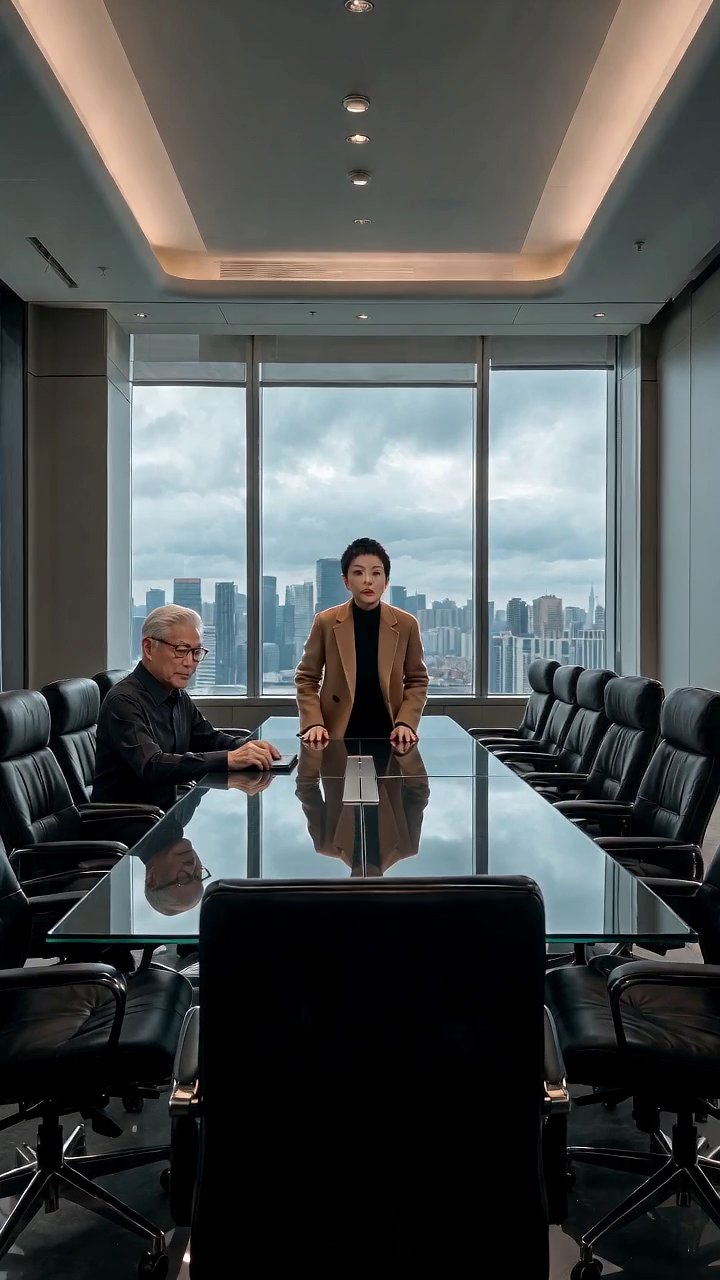
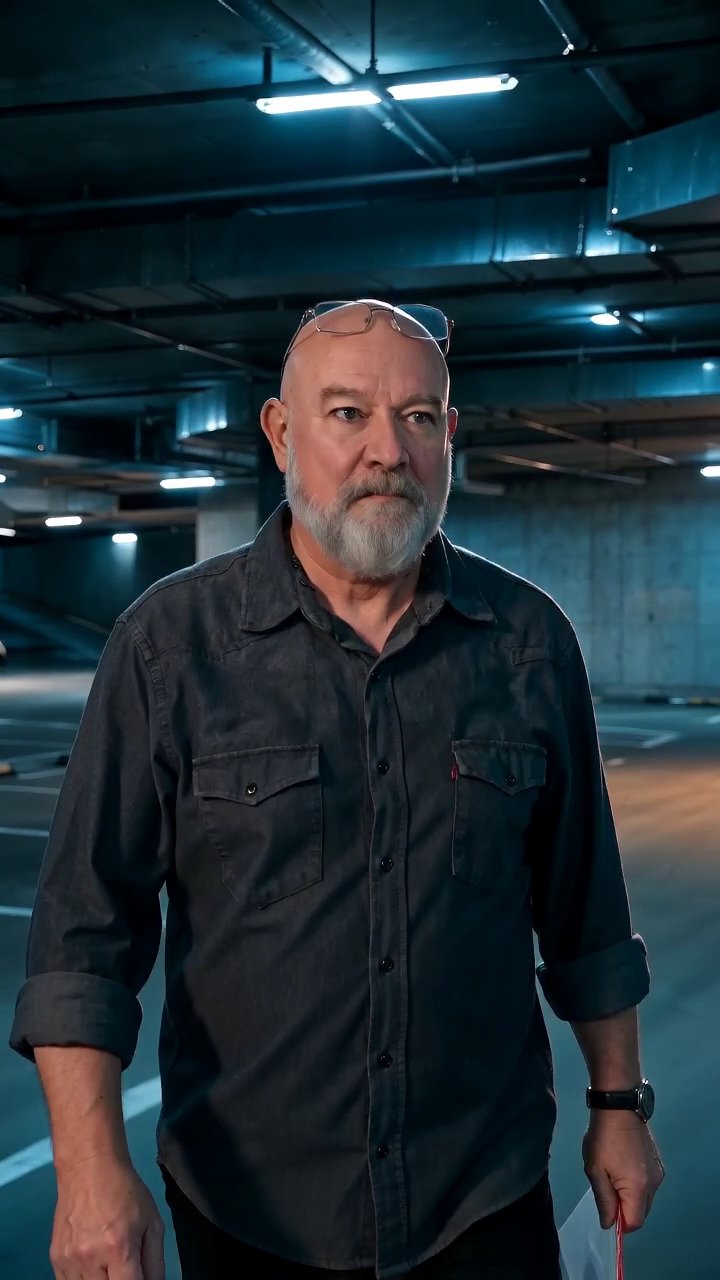
Storylines that read what came before
A storyline generator that starts from a blank prompt gives you a blank story. The one inside AI Drama Creator starts from your board. When you request a next-episode suggestion, the draft is built from the synopses and cliffhanger fields of every episode already on the season board, with the most recent episode carrying the most weight. The result is a proposed title, synopsis, and cliffhanger for the episode that should come next.
That sourcing is the whole point. A suggestion that knows the lawyer was fired in episode four will not have her walking into the firm in episode five without explaining it. It can instead propose that she shows up anyway, uninvited, which is a scene. Storylines are only useful when they are accountable to the history you have already written down.
How a next-episode suggestion is drafted
The draft is assembled from three things on the board: the series premise, the ordered synopses of finished and outlined episodes, and the cliffhanger of the latest card. It costs 1 credit, which is intentionally the cheapest action in the studio. You are expected to ask several times, compare the drafts, and keep the one that opens the most interesting door. Suggestions are text, so nothing is rendered until you decide to.
Each suggestion is written as a card, not an essay. A working title, a synopsis of a few sentences that names the characters involved and what changes by the end, and a new cliffhanger to end on. Because it uses the same character names as your library, you can move from accepted draft to scene breakdown without translating anything.
Editing the suggestion into a real episode
Accepting a draft creates a card in the Outline column. From there it is yours to rewrite. Most showrunners keep the structural idea and change the specifics: the confrontation happens in the garage instead of the office because the garage background already exists in the library; the brother delivers the news instead of the stranger because the brother has a stronger voice style. The suggestion is a starting position, and the board makes it cheap to argue with.
Once edited, the card is broken into scenes like any other. Characters, outfits, and backgrounds come from the series library, each scene gets a beat description and a duration between four and fifteen seconds, and the finished scenes are stitched on the server into one 9:16 MP4. The storyline generator feeds the front of the pipeline; the rest of the studio turns it into an episode.
Long arcs, subplots, and callbacks
Because suggestions are drafted from all prior synopses rather than only the last one, they can reach back. A thread dropped in episode three, if it is in the synopsis, is available for a callback in episode nine. This is where writing honest synopses pays off. A card that says only "they argue" offers nothing to build on; a card that says what the argument was about and what was left unsaid gives the generator a hook to pull.
For a season arc, a useful habit is to write the finale cliffhanger early and keep it in the Outline column as the last card. Suggestions do not force the story toward it, but you can read each draft against that destination and keep the ones that move closer. The storyline generator proposes; the board, with the ending visible, is how you decide.
Credits for suggestions and scenes
A next-episode suggestion is 1 credit, so the 2 free credits every new account receives cover two drafts right away. Scenes are priced per second by tier and resolution, with Standard 720p at 6 credits per second. Library images for characters, outfits, backgrounds, and props are 3 credits each, and a stitch is 2 credits.
If your workflow is suggestion-heavy, with many drafts for each episode you produce, the credit math still favors drafting: ten suggestions cost the same as under two seconds of Standard video. The Episode plan at $9 includes 250 credits a month and the Season plan at $29 includes 1000, with one-time packs listed on the billing page for busier stretches.